
Test results
Scripts view (test results)
Section titled “Scripts view (test results)”The Scripts tab is enabled whenever a request had a pre-request or test script attached. It groups results into blocks:
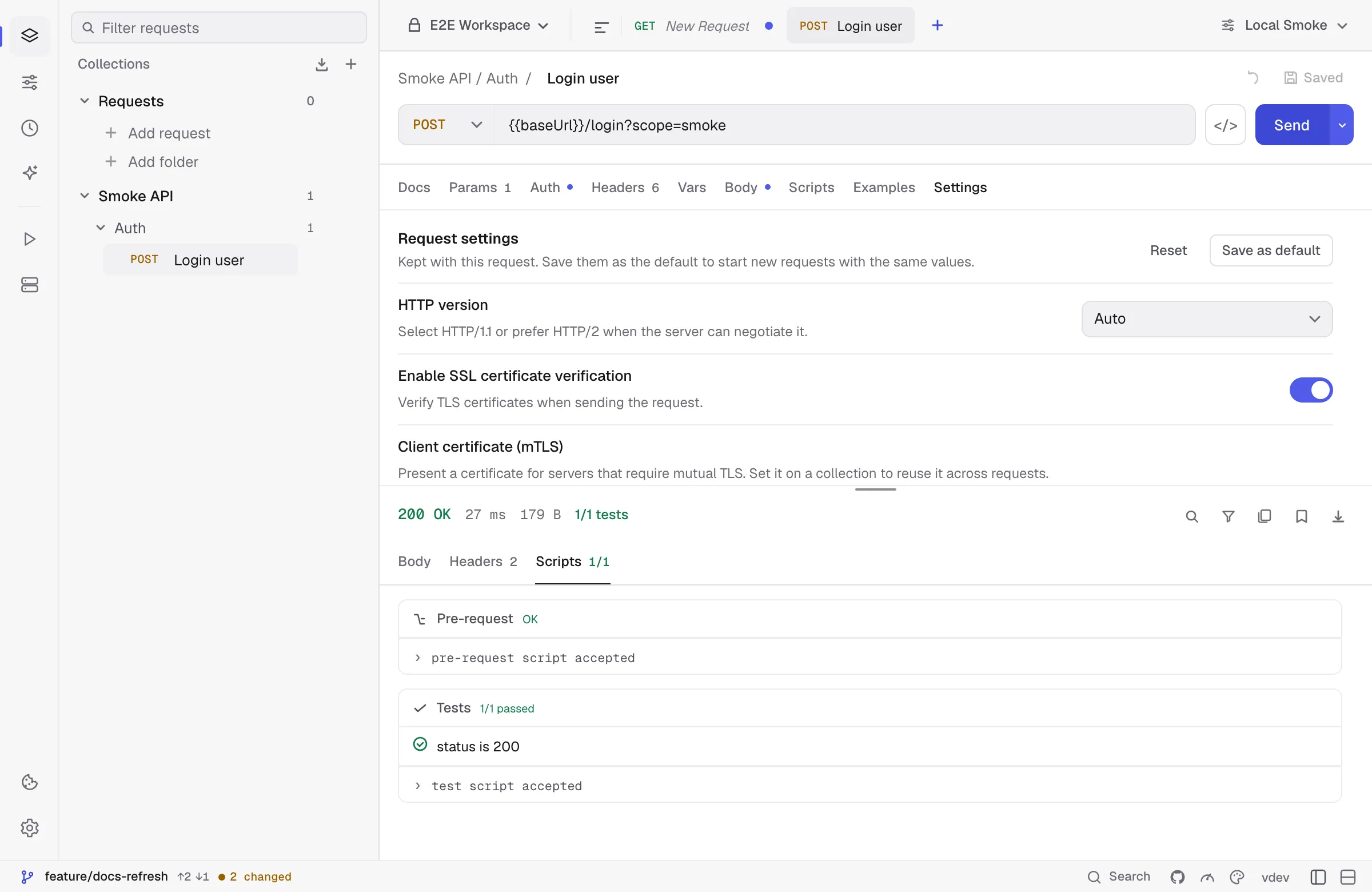
- Pre-request — outcome of the pre-request script and any logs emitted via
pm.log(...). If the pre-request script errored, the request was not sent. - Tests — each
pm.test(name, assertion)is rendered as a green tick or red cross with the assertion name. The header shows a summary like4/5 passed. - Logs — anything emitted with
pm.log(...)from inside the test script.
If a request had no scripts attached, this tab shows “No scripts ran for this request.”
For the full script API, see the Scripting API reference.
Common gotchas
Section titled “Common gotchas”- “This endpoint returned an SSE stream.” Your request used a regular method but the server replied with
text/event-stream. Switch the request to SSE mode and press Connect. - Binary download with the wrong Content-Type. Some servers send
application/jsonfor what’s actually a.pdfor.zip. Kurlo checks the bytes to detect the response type. Use Save to file to keep the binary body. - “Response body is empty” with a non-2xx status. Some APIs return a status code but no body (e.g. 204 No Content). This is shown as an empty body view, not an error.
- Slow rendering on huge JSON. If your response is over a few MB of densely nested JSON, switch the body view to Raw in the editor settings to skip syntax highlighting.
Was this page helpful?