
Browser cookie sync
Sync cookies from your browser
Section titled “Sync cookies from your browser”Browser sync, at the top of the cookie sidebar, pairs Kurlo with a browser extension, so a session you already
have in Chrome, Edge, Brave or Firefox is the session Kurlo sends with. It is the local
answer to copying a Cookie: header out of DevTools after every login.
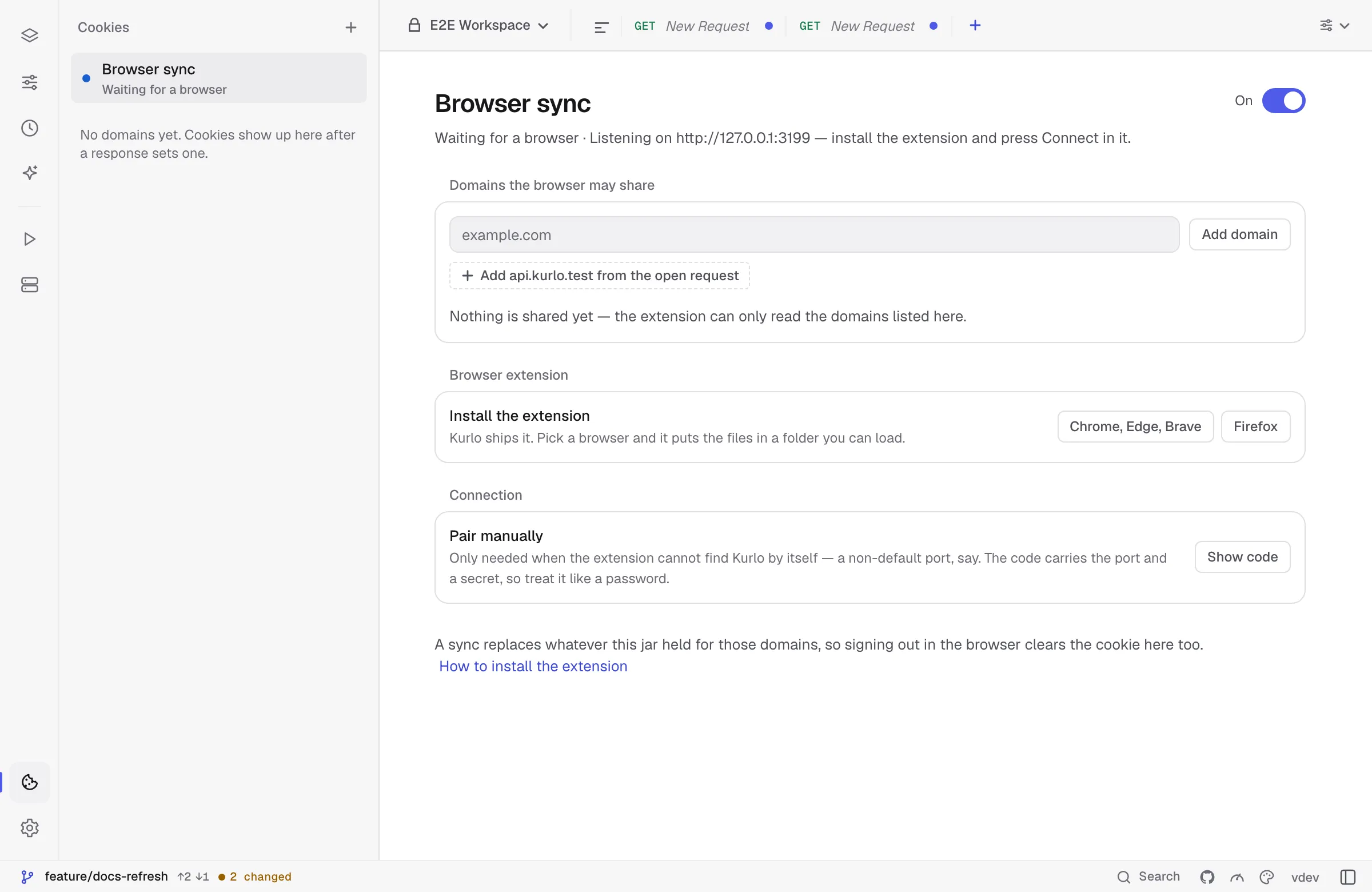
Cookies flow one way — browser into Kurlo — and three separate gates stand in front of them:
- The bridge has to be on. The switch at the top of the Browser sync page opens a listener bound to
127.0.0.1(port 3199 by default). Nothing listens until you ask for it. - You have to let the browser in. The extension finds Kurlo by itself and asks to connect; Kurlo shows the request with a six-digit code and the extension shows the same code. Approve it only if the numbers match — that is what stops anything else on the machine from being approved in its place.
- The domain has to be allowlisted twice. Kurlo only accepts cookies for the domains listed on the page, and the browser only lets the extension read the domains you grant in its popup. A domain missing from either list is never read and never sent.
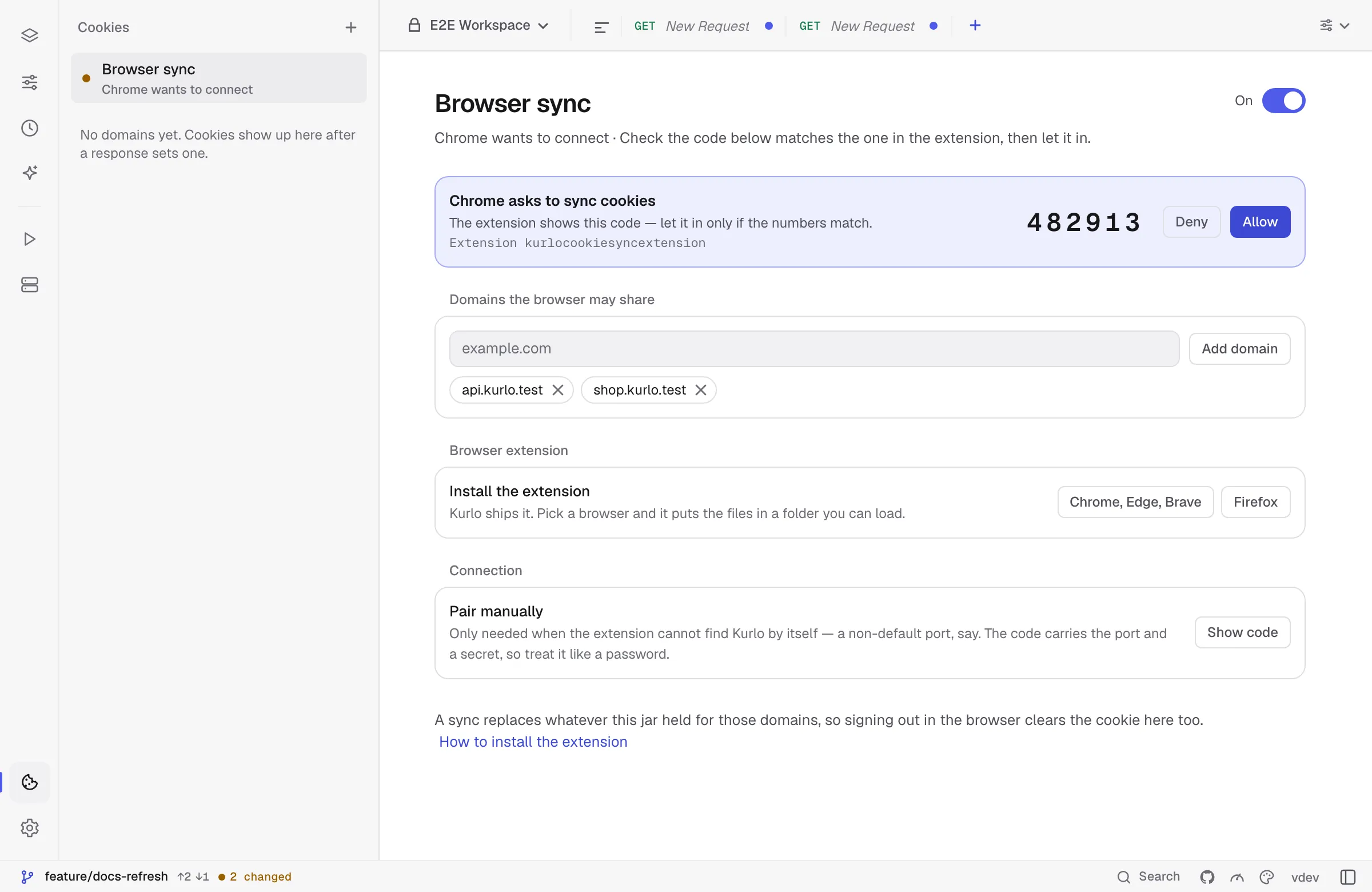
A domain that cannot hold cookies of its own — a public suffix like com or co.uk — is
refused with an explanation rather than accepted and quietly ignored.
Was this page helpful?