
Find a request in history
Opening history
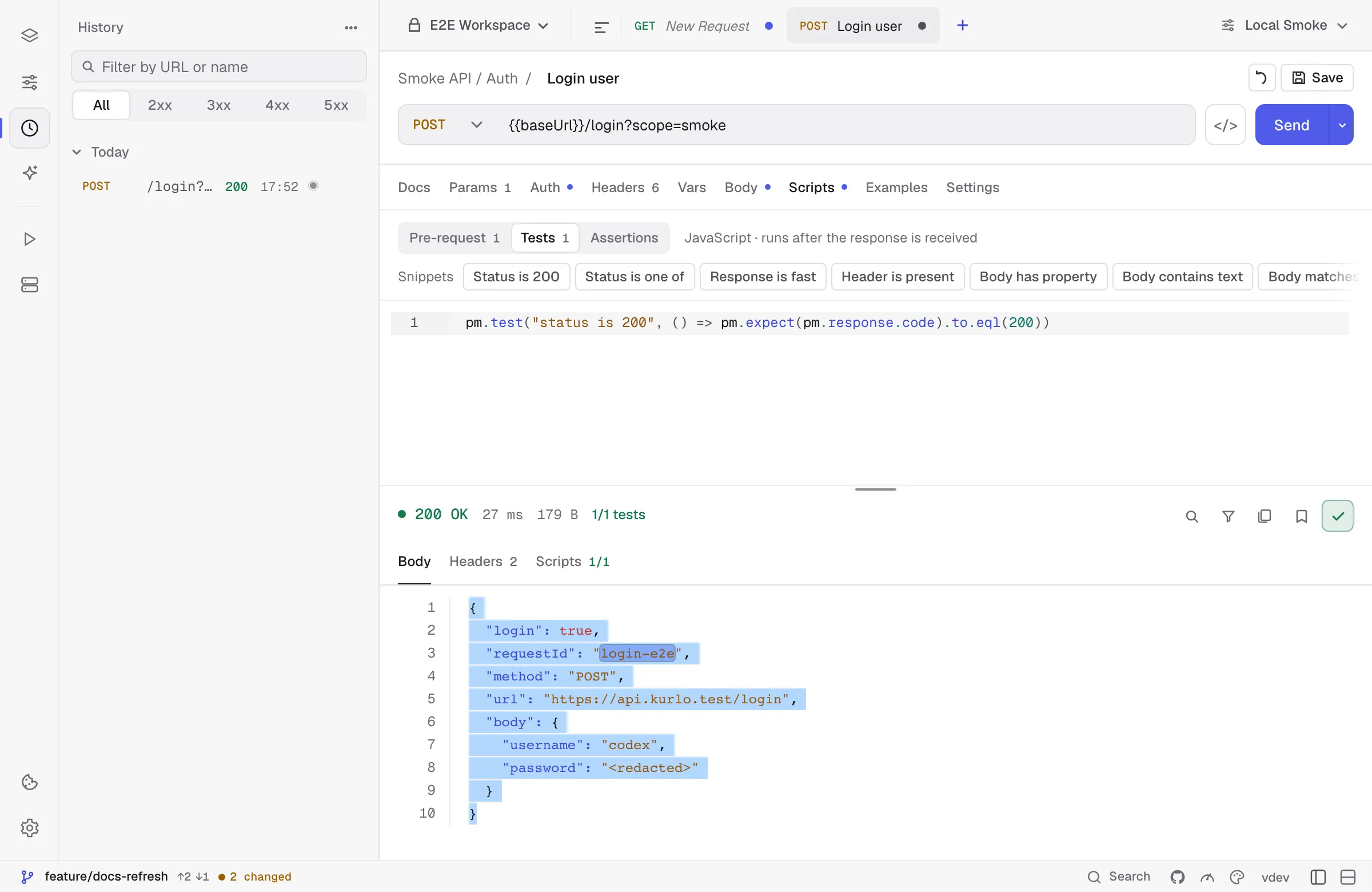
Section titled “Opening history”In the sidebar, switch from Collections to History via the toggle at the top. The list groups entries by day:
Today 10:42 GET 200 /v1/users 10:41 POST 201 /v1/users 10:38 GET 404 /v1/users/missingYesterday 18:11 GET 500 /v1/billing …Each row shows the time, method, status, and URL. The status is color-coded with the same palette as the response panel (green 2xx, orange 4xx, red 5xx).
Toggle a day open or closed with the chevron. Days collapse independently — you can keep “Today” open and the rest minimized.
Was this page helpful?