
Request variables
The Vars tab of a request holds variables that belong to that request only. It has two tables, as in Bruno.
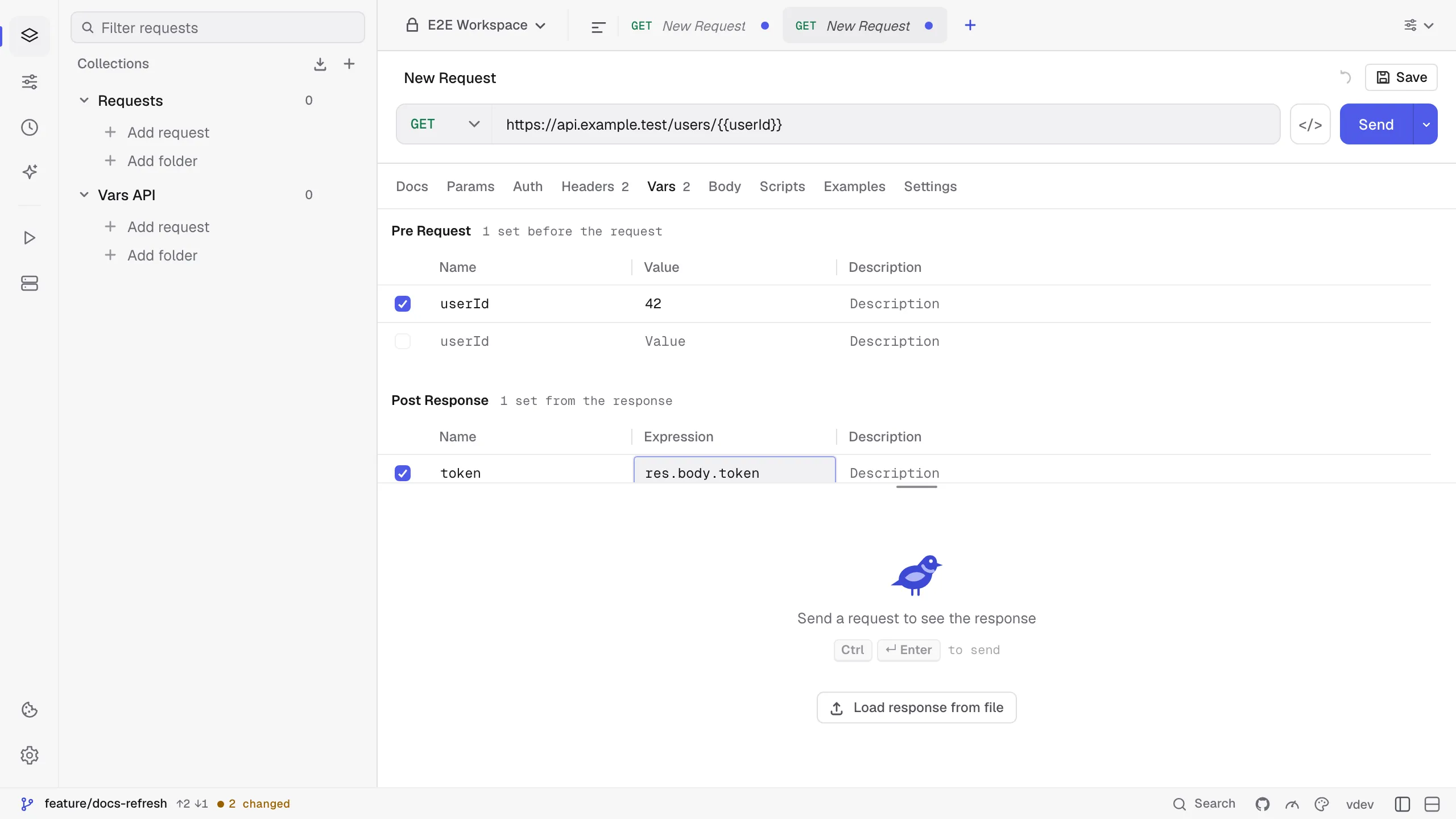
Pre Request variables are set before the request is sent. They win over environment, collection and global values with the same name, so a request can pin userId or page without touching the shared environment. A value may use other variables: {{tenant}}-eu takes tenant from the environment, and a variable named after an environment value, such as region = {{region}}-backup, extends that value instead of referring to itself. Rows lower in the table can use the rows above them. Scripts read them with pm.variables.get(...) and pm.variables.replaceIn(...).
Post Response variables are filled from the response once it arrives, before the post-response script and the tests run. The value column holds a JavaScript expression with res in scope:
| Expression | Value |
|---|---|
res.body.token | A field of the JSON body. The body is the text when it is not JSON. |
res('data.items[0].id') | The same with a path string. |
res.status, res.statusText | The status code and text. |
res.getHeader('x-request-id') | A header; res.headers has all of them with lowercase names. |
res.responseTime | The time in milliseconds. |
The result is stored like pm.variables.set(...): a global that later requests and runs can use with {{token}}. Strings are stored as they are and other values as JSON. An expression that fails or returns undefined leaves the variable unchanged and writes a line to the console. Post Response variables run for HTTP and GraphQL requests, in the app, the Collection Runner, kurlo run and kurlo mcp. Other request types show only the Pre Request table.
Both tables are saved in the request’s YAML file as vars and postResponseVars.