
Team notes
Team notes in kurlo-agent.md
Section titled “Team notes in kurlo-agent.md”Keep conventions for the agent in kurlo-agent.md at the root of the workspace folder: which environment to use for tests, naming rules, tags, what never to touch. The file is plain Markdown and lives in Git with the workspace, so the whole team shares it. The Kurlo agent reads it at the start of every turn and follows it within its permissions. When the agent learns a convention that is missing, it offers to add it; the change shows as a diff and always waits for your approval, even after Allow for this chat.
To edit the file in Kurlo, choose Edit kurlo-agent.md… at the bottom of Templates in the message box, or select kurlo-agent.md next to Team notes under Chat details → Context. When the workspace has no such file yet, the menu reads Create kurlo-agent.md… and the editor starts from an example with conventions and one template; Create file writes it. Preview shows the rendered Markdown, and the bottom line shows the size against the 32 KB limit and how many templates the file has. Press Cmd+S (Ctrl+S on Windows and Linux) or Save to save; closing with unsaved changes asks first. If the file changed on disk after you opened it, for example in another editor or through git pull, Kurlo does not overwrite it: Load newer version replaces your text with the copy on disk, and Replace it saves your text over it. A file over 32 KB is not opened here; shorten it in another editor first.
Kurlo treats kurlo-agent.md as one of the workspace’s files in Git: it shows under Changes on the Git screen, Commit includes it, and with Branch on, a change the agent makes to it is committed to the agent’s branch like any other.
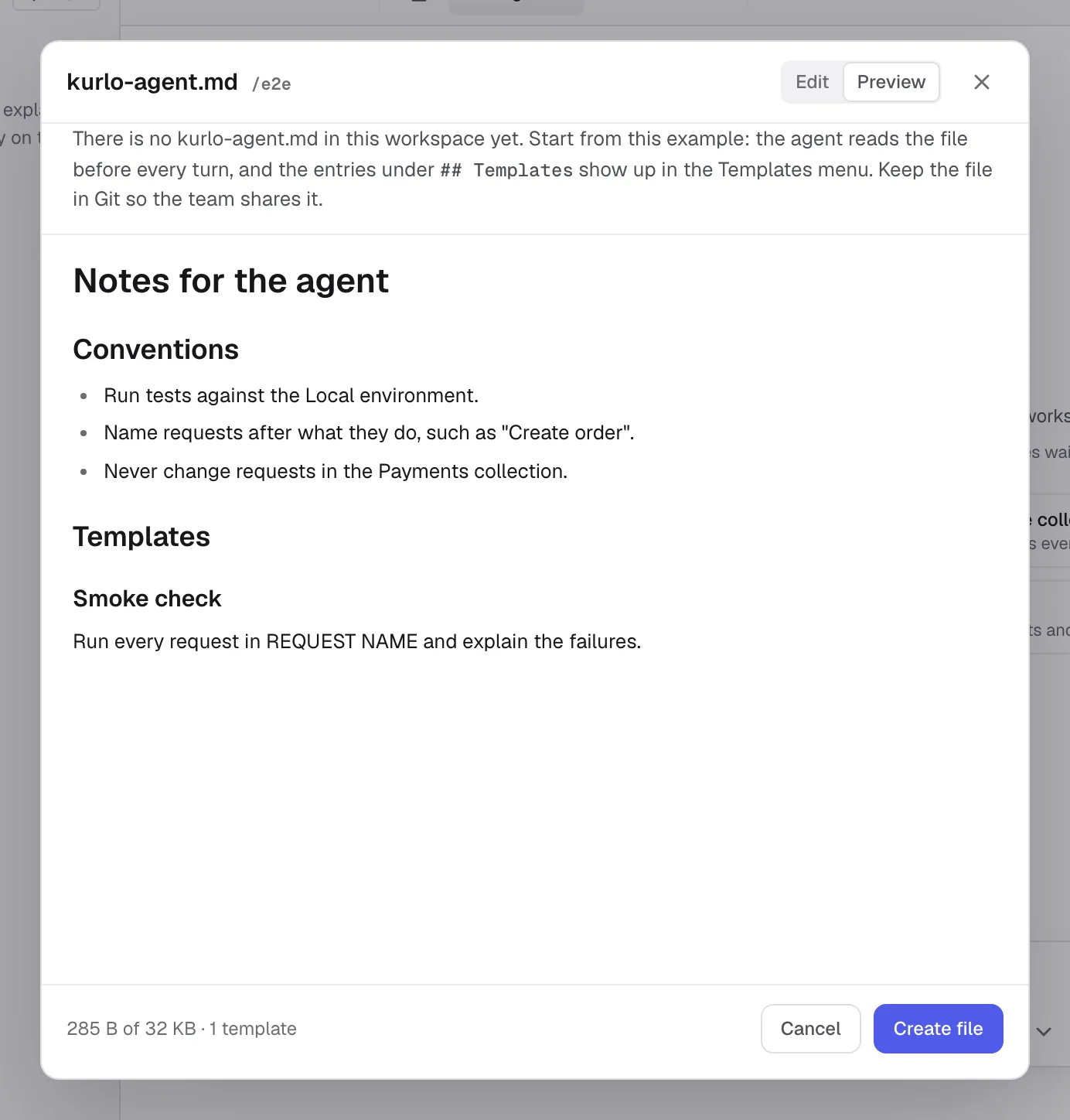
Under a ## Templates heading, each ### Title with the text below it becomes a template in the message box:
# Team notes
Use the Staging environment for tests and tag smoke requests with `smoke`.
## Templates
### Smoke checkRun the Smoke collection against Staging and explain every failure.