
Keyboard shortcuts
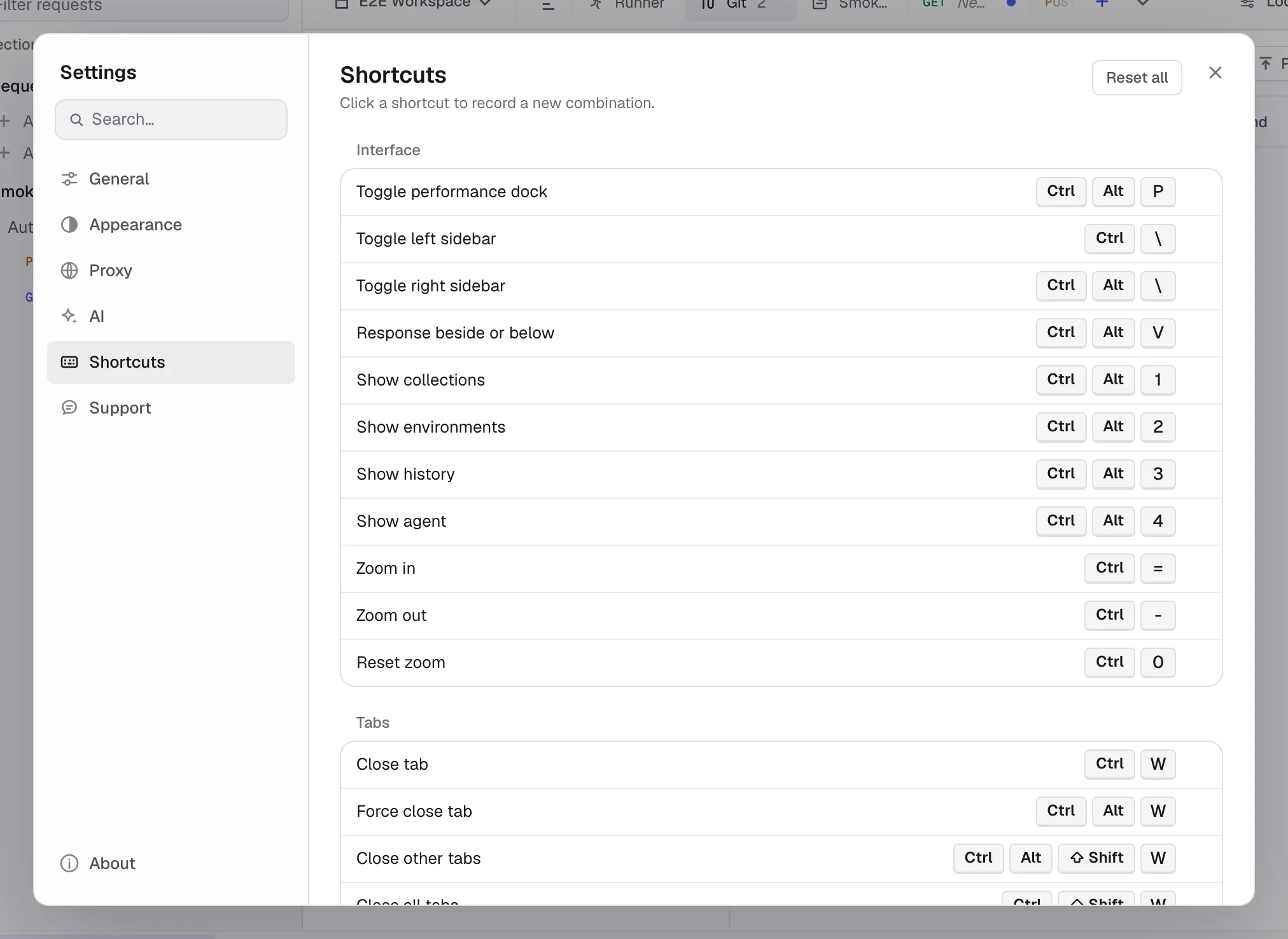
Look up default bindings and fixed gestures, and customize bindings in Settings → Shortcuts.
On macOS Kurlo displays Cmd shortcuts with ⌘. On Windows and Linux the same defaults display and run as Ctrl, with modifiers in the usual Ctrl → Alt → Shift order. Shortcuts follow the physical key, so they keep working on a Cyrillic, Greek or any other non-Latin layout.
To change a binding listed in Settings → Shortcuts, click its chip and press the new combination. Use Reset all to restore the defaults. The request editor shortcuts also list fixed actions such as sending with Enter in the URL field.
Right-click any text field or code editor for Cut, Copy, Paste and Select all. The same actions keep their usual Cmd/Ctrl X, C, V and A keys, and a read-only editor such as the response body offers only Copy and Select all.